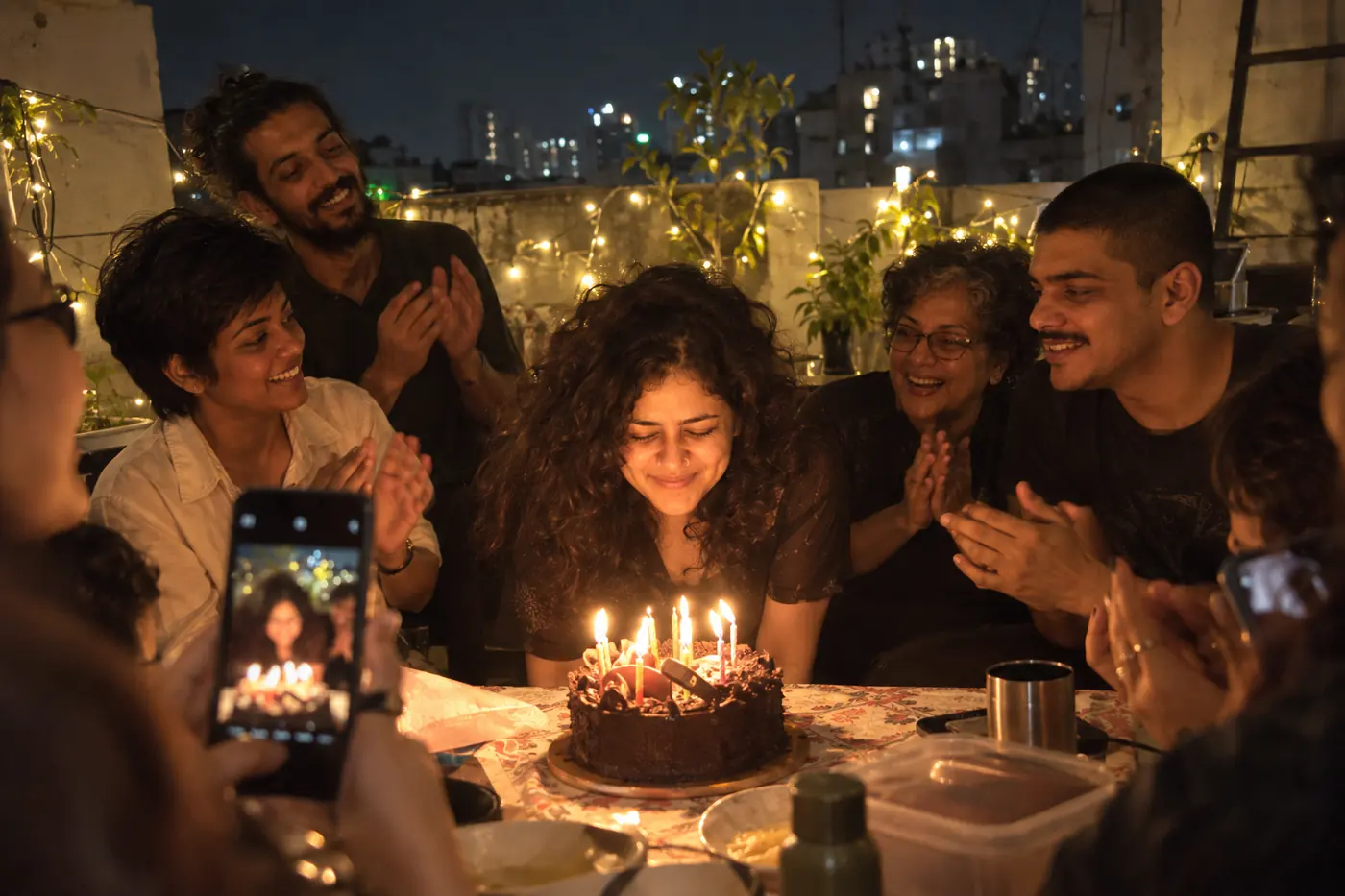
A surprise birthday video for Mom, made on your phone
Ten of your best photos and videos of her, one episode, her name on the poster. Build it on your phone in about ten minutes, then send one private link to the family group.
Free to build and preview. Standard is ₹99 once you share, live for 3 months.
Plan it in episodes
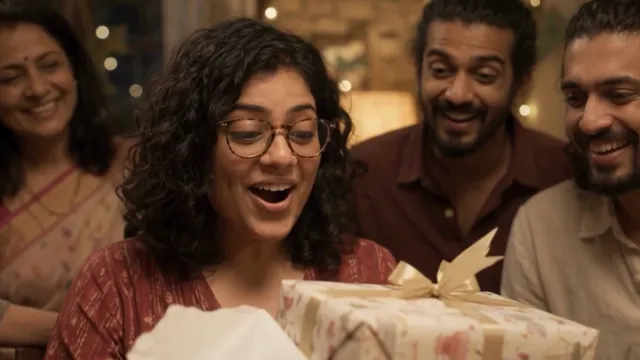 1. The Big DayHer birthday morning: the first wish, the new saree, and the cake she pretended not to expect.
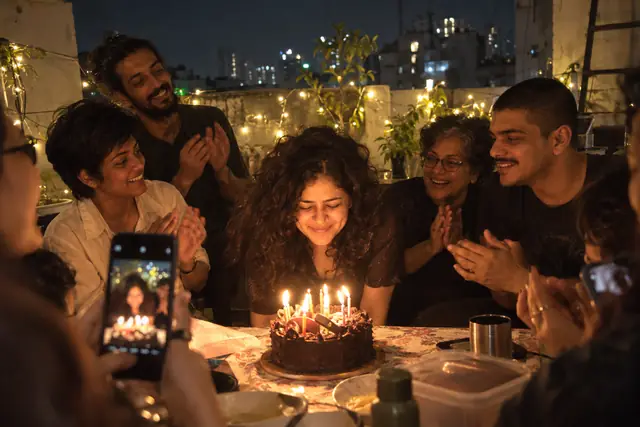 2. ThrowbacksHer college photos, her wedding portrait, and that one picture with the perm she would rather you skipped.
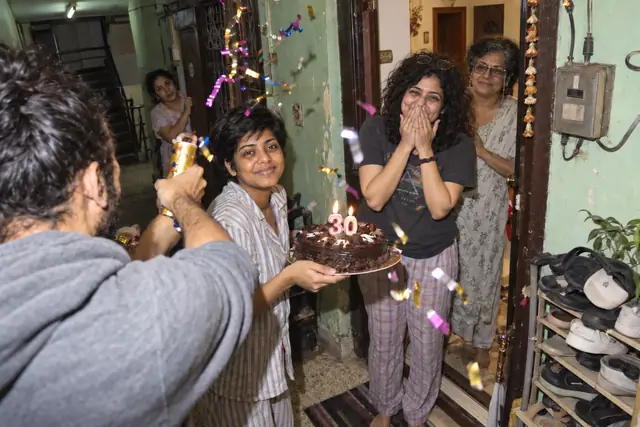 3. Mummy’s KitchenHer rajma, the Sunday parathas, and a video of her measuring nothing and getting it perfect anyway.
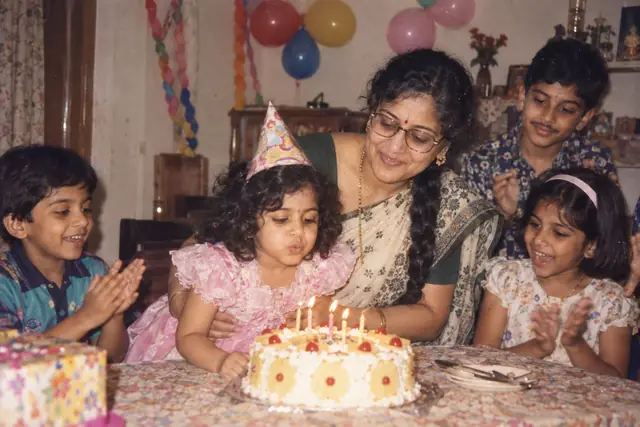 4. Mummy & the KidsYou as a toddler on her hip, school functions, and the rare photos where she isn’t the one holding the camera.
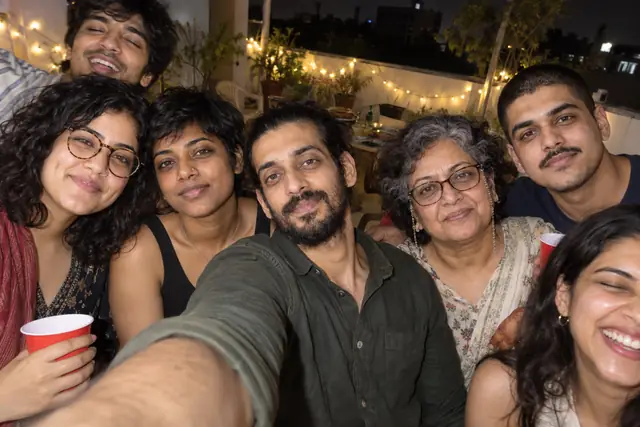 5. Her SquadHer sisters, her kitty party friends, and the neighbourhood aunties who have known you since you were tiny.
- 6. Wishes From FamilyShort video wishes from Papa, Nani, Mamaji and the cousins, each one under thirty seconds.
Ten minutes, ten photos: how to make it
Standard is built for this: one episode, 10 photos or videos, ₹99. Pick Birthday and the show starts out looking finished, with its poster labels and episode name in place. You add her name, a title like “Mummy Turns 60” and a tagline she will roll her eyes at.
Then add the ten. Mix the eras: two old prints photographed off the album, three from family trips, two from her kitchen, one video wish from Papa and two of the newest. Ten is enough to make her cry, and short enough that everyone watches to the end.
Build and preview it free. Pay only when you’re ready to share, by UPI, card, netbanking or wallet.
Who to ask, and what to ask for
Message Papa, your siblings and her sisters on the quiet. Ask each of them for one photo only they have, and one 20-second video wish recorded in good light. Photos of her from before you were born are gold, so Nani is your best source. Ask for originals, not forwards, so her face stays sharp on the TV.
Give everyone a deadline two days before her birthday. Someone will miss it. That is what editing after sharing is for: add the late video when it arrives, and she sees it on the same link.
The same plan works for Papa’s birthday, Nani’s 80th or Mausi’s 50th. Just change the name on the poster.
Revealing it at midnight, or over chai
The classic move: at 11:59 pm, open the link on the TV, pick her profile on the “Who’s watching?” screen and let the intro roll before she works out what is happening. If you live in another city, send the link to the family group at midnight and video call while she watches.
Or keep it simple and send it to her phone with her morning chai. No app and no account: it opens in any browser on her phone, laptop or smart TV. Add a password if you like; she enters it once on each device.
The show stays online for 3 months, so she can rewatch it as often as she likes, and you can renew it before it ends.
One show, one ticket
Most of these fit Standard: 1 episode, 10 per episode. Pay once, live for 3 months.
Admit one celebration
Standard
Birthdays and small celebrations
- Episodes
- 1 episode
- Photos/videos
- 10 per episode
- BingeUs badge
- Small “Made with BingeUs”
Start with Standard₹499₹99launch price, incl. GST
Admit the whole baraat
Premium
Weddings, milestones and reunions
- Episodes
- 10 episodes
- Photos/videos
- 20 per episode
- BingeUs badge
- None
Start with Premium₹999₹199launch price, incl. GST
The director’s cut
Custom
We build the whole show with you
- Episodes
- As many as you need
- Photos/videos
- As many as you need
- Our team
- Picks, sorts and builds it
Talk to usCustom quote
after a quick chat
Build and preview free; pay only when you’re ready to share. Payments are final once paid. Compare every feature
Good questions
Something else? Send us a message. A real person replies.